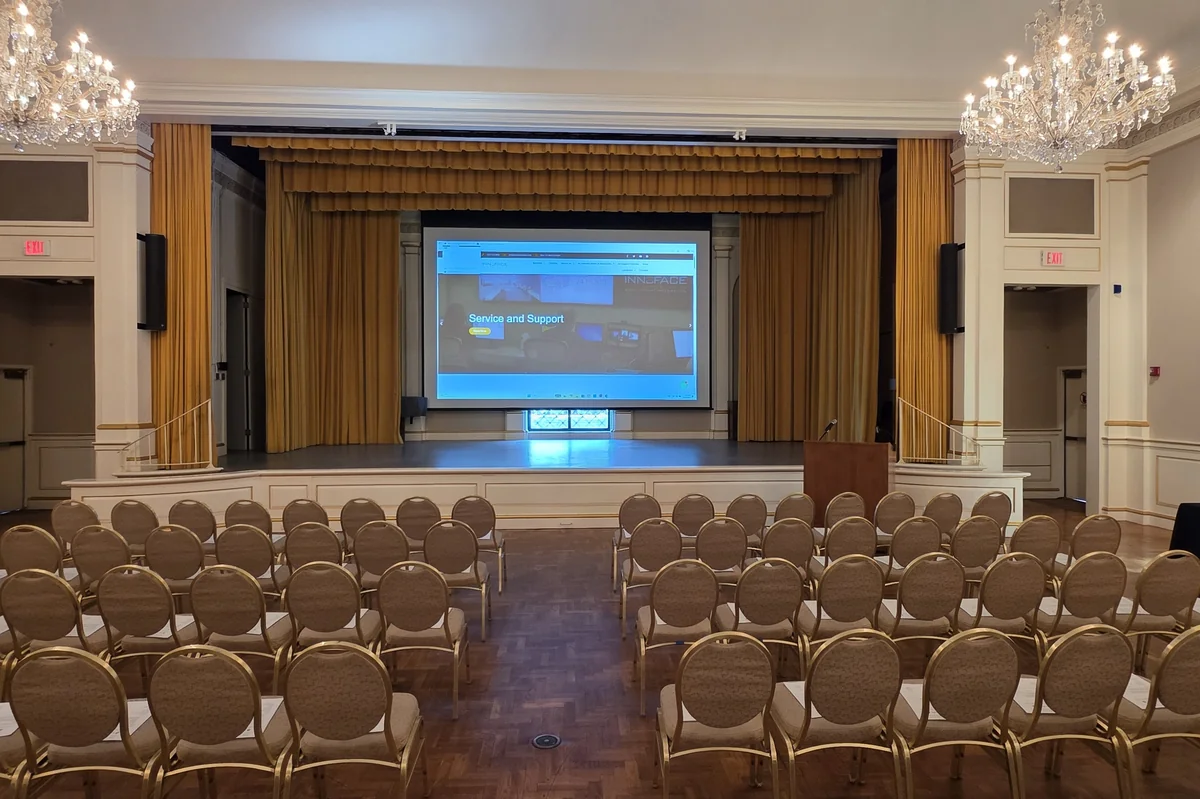
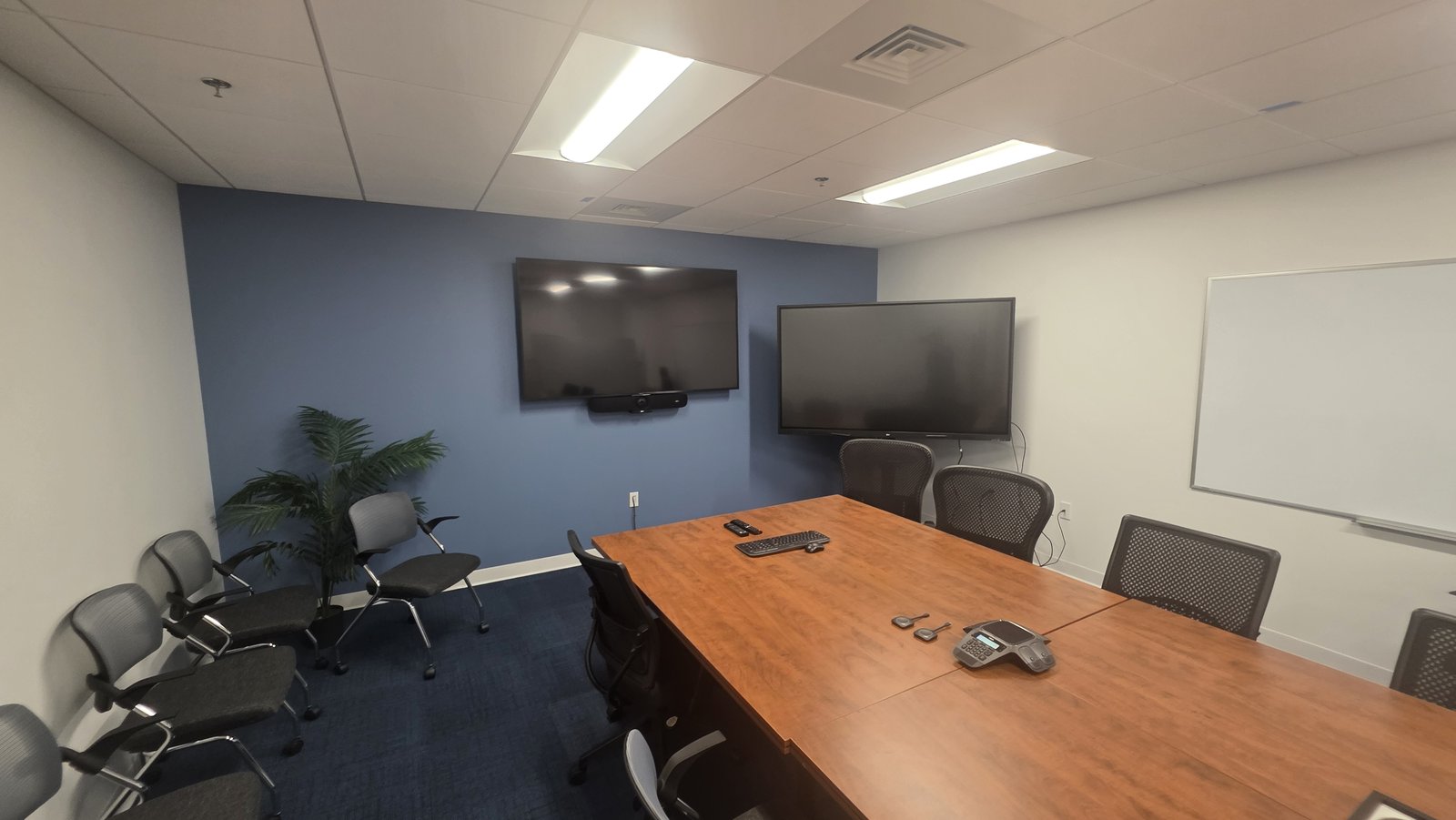
When you are tasked with upgrading the audio visual technology for your organization, there are several nuances and best practices that should be considered when deciding what to keep and what to replace within your system. This article outlines how you should approach the three most important parts of an audio visual system when upgrading it; the video, the audio and the control…
Should we upgrade the “video” system??
When you retrofit an audio visual system, consider how fast video technology changes. Laptops and smartphones keep improving, and your room must keep up. Otherwise you risk looking unprepared when the VP needs to give an important presentation.
We live in a world of HD, 4K and now 8K, and the decision to improve the viewing experience never stops. This is an area where I agree wholeheartedly. You may not need the most advanced display technology. However, a new display and a switching system with the latest digital connectivity and resolutions will enhance your presentation experience and prepare you for any presentation source.
If your video system is over 5 years old, do yourself a favor and upgrade it.

Do we keep the “audio” system??
Most quality speaker systems withstand the test of time and then some. Replacing your ceiling speakers may be a good idea, but they are probably fine and may fit the new system design. Run a system test to find out whether the audio system will suffice.
Depending on their age, the microphones may also be reusable in the overall design. If your Digital Sound Processor (DSP) is outdated, consider a newer DSP with the latest algorithms for digital audio processing and Acoustic Echo Cancellation (AEC).
As for amplifiers, a high quality amplifier under 5 years old will probably last a few more years after a thorough cleaning and basic maintenance.

Is the “control” system any good??
When you update your audio visual system, strongly consider the age and overall performance of your room control. Touch screen control is a common way to operate different features of an audio visual system. End users should be able to use the technology without thinking about how it works.
If your control system is over 5 years old and lacks automation, such as touch, voice or motion control, consider upgrading to a “turnkey” solution that anyone in your organization can use. Multiple remote controls with sticky labels and velcro are not the way to control an audio visual system. They will most likely cause more service issues in the long run.
When you consider upgrading your audio visual system, seek a professional audio visual integration company with vast experience in outfitting spaces with state of the art audio visual technology. The right integration partner will save you thousands in the long run and prolong the life of your audio visual investment.
How to Assess Your Existing AV System
A good AV system retrofit starts with an honest look at what you already have. Walk each room and list every display, projector, microphone, speaker, source device and control interface. Note the age of each item, how often it is used, and what staff say about it. Then ask a few simple questions. Does the room still support the way people meet today, including video calls? Are users calling for help often? Can you still get service or replacement parts for the equipment?
What to Keep and What to Replace
Not everything needs to go. Quality speakers, mounts, conduit and cabling can often stay in place if they still perform well and fit the new design. In contrast, outdated displays, failing projectors, unsupported control processors and analog-only signal paths are usually better replaced. As a rule, keep the infrastructure that still works and replace the components that limit performance, reliability or ease of use. If you are planning a larger display upgrade, see our video wall installation options. Government agencies updating older rooms can also review our government AV systems services.
Phasing Your AV System Retrofit
You do not have to upgrade every room at once. Many organizations start with the rooms used most often or the ones that cause the most support issues. Then they move through the remaining spaces in later phases, which spreads out cost and limits downtime. Standardizing on the same control layout and key equipment from room to room also makes training and support easier. Finally, document each phase so future upgrades build on the same design.
Ready to plan your AV system retrofit? Contact Innoface Systems, Inc. at 1-877-721-4040 and we will help you decide what to keep, what to replace and how to phase the work.

About the Author:
Ivan Collins is the CEO of one of the nation’s premier audio visual integration companies; Innoface Systems, Inc. Mr. Collins is also the Author of “The Book on Audio Visual Integration”, 10 Steps to Integrating AV Technology into Virtually any Environment.