If you manage an office in Washington, DC, you have probably been asked what conference room AV installation costs, and what it takes for the room to work on the first try. It depends on the room, the platform, and the building, but 2025 and 2026 industry guides now publish typical ranges a facilities or IT lead can use to budget.
The figures below are typical industry ranges, not quotes from Innoface Systems. A site walk is what turns a range into a proposal, especially in downtown DC buildings where ceilings, risers, and after-hours rules can move the number.
Innoface Systems is a commercial audiovisual integrator established in 2005, headquartered at 1250 Connecticut Ave NW, Suite 700, Washington, DC 20036, with offices in Annapolis, Atlanta, Houston, and Tampa. Our conference room audio visual page outlines how we approach the work, and you can schedule a consultation when you are ready.
Typical Cost Ranges by Room Type
Published installed-cost ranges usually include hardware, in-room cabling, installation, programming, and commissioning. They often exclude furniture, millwork, electrical service, structural work, and acoustic construction. Platform licenses and ongoing support are usually separate.
| Room type | Typical capacity | Typical installed range |
|---|---|---|
| Huddle room | 2 to 6 people | $3,000 to $12,000 |
| Medium conference room | 6 to 12 people | $7,000 to $40,000 |
| Boardroom | 12 to 30 people | $20,000 to $150,000 or more |
| Training or divisible room | Varies | Often mid five figures to six figures |
Huddle rooms (about 2 to 6 people)
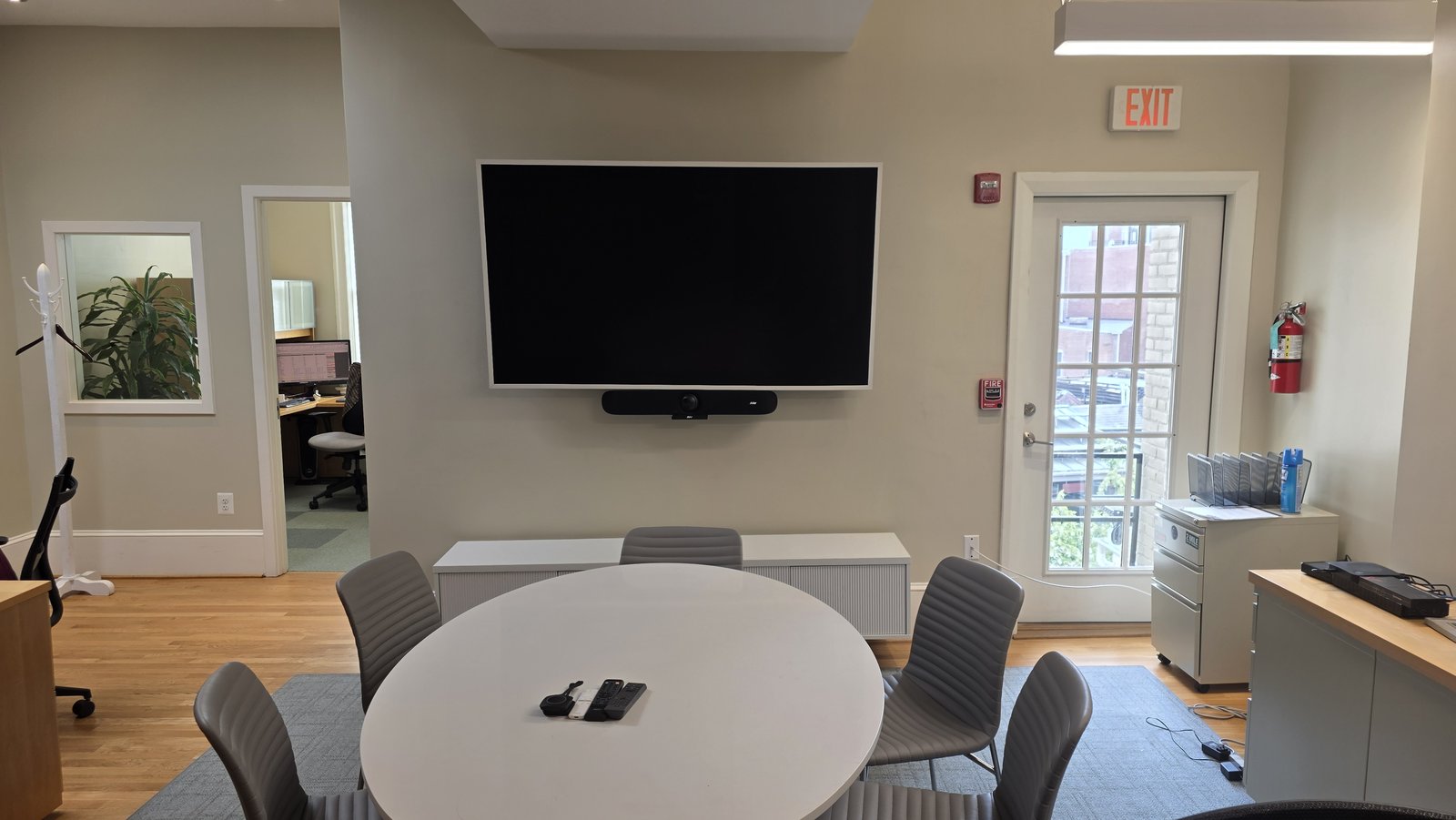
A huddle room is built for short, frequent meetings, usually with a 55- to 65-inch commercial display, an all-in-one video bar, laptop sharing, and a small touch controller. Publicly posted ranges commonly fall between about $3,000 and $12,000 installed, with a simple video-bar room at the low end and a more complete install at the high end.
Medium conference rooms (about 6 to 12 people)
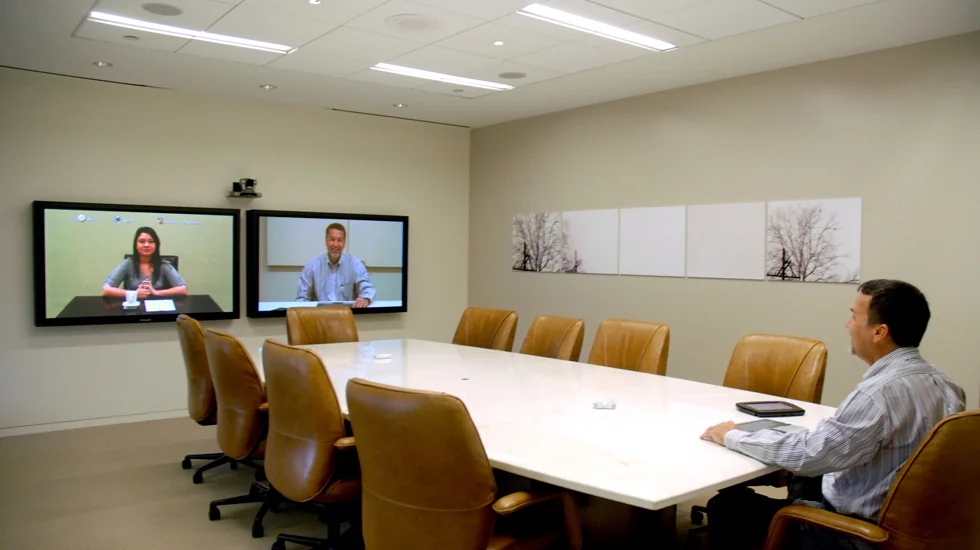
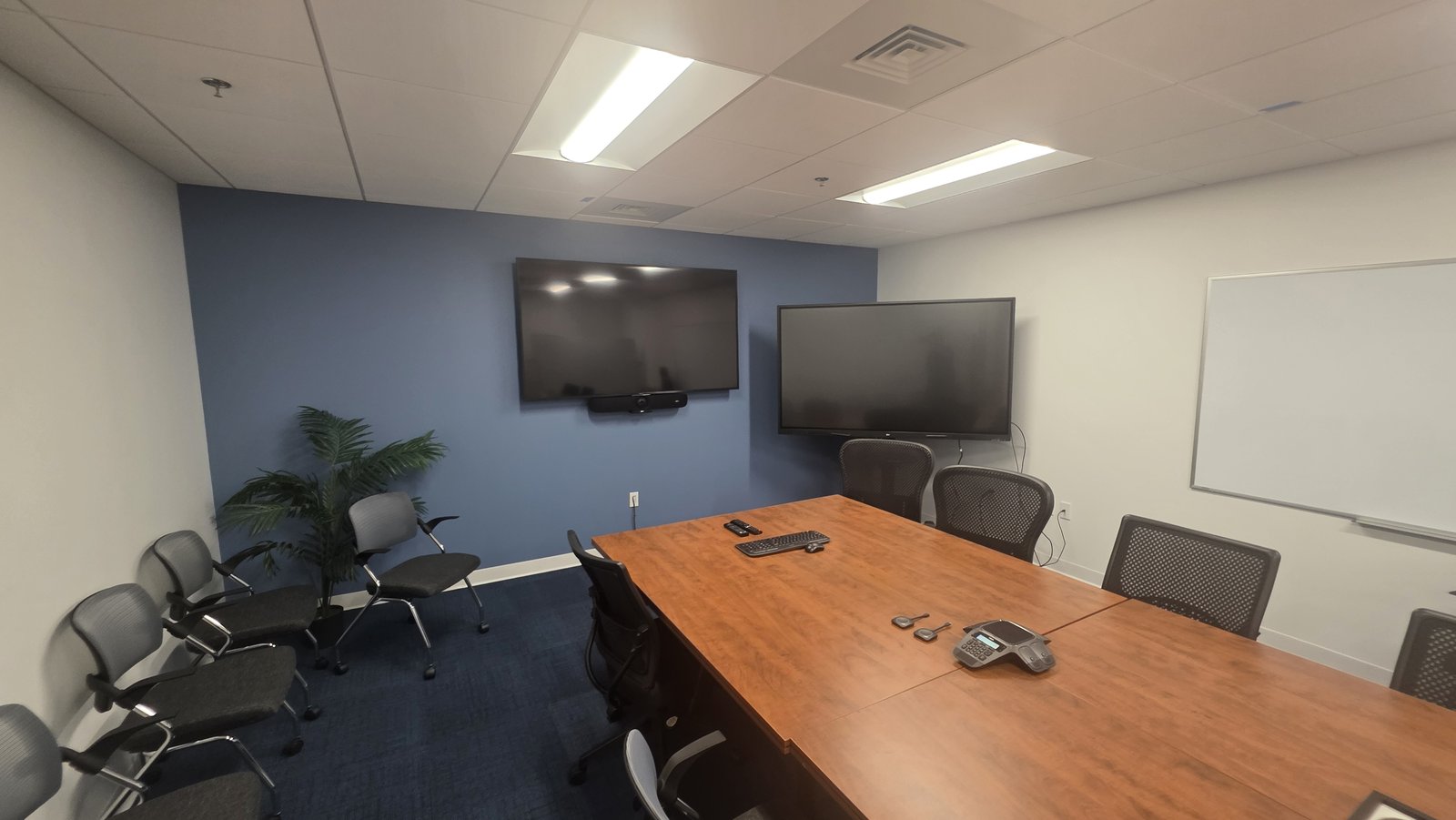
This is the room most DC offices mean when they say “the conference room.” It usually needs a larger display, a more capable camera, table or ceiling microphones, speakers, and a certified Microsoft Teams Rooms or Zoom Rooms system. Typical industry figures run from about $7,000 to $40,000 installed, depending on whether the room uses an all-in-one bar or adds ceiling microphones, a DSP, wireless presentation, and a programmed touch panel.
Boardrooms (about 12 to 30 people)
A boardroom is judged in the first moments of a hybrid meeting: remote participants need to see faces, hear every seat, and follow content without troubleshooting. Typical published ranges start around $20,000 and can reach $150,000 or more. Many mid-market boardrooms land in the $20,000 to $75,000 band; executive rooms with large dual displays or an LED wall, ceiling arrays, voice lift, and lighting or shade control commonly exceed $50,000.
Training and divisible rooms
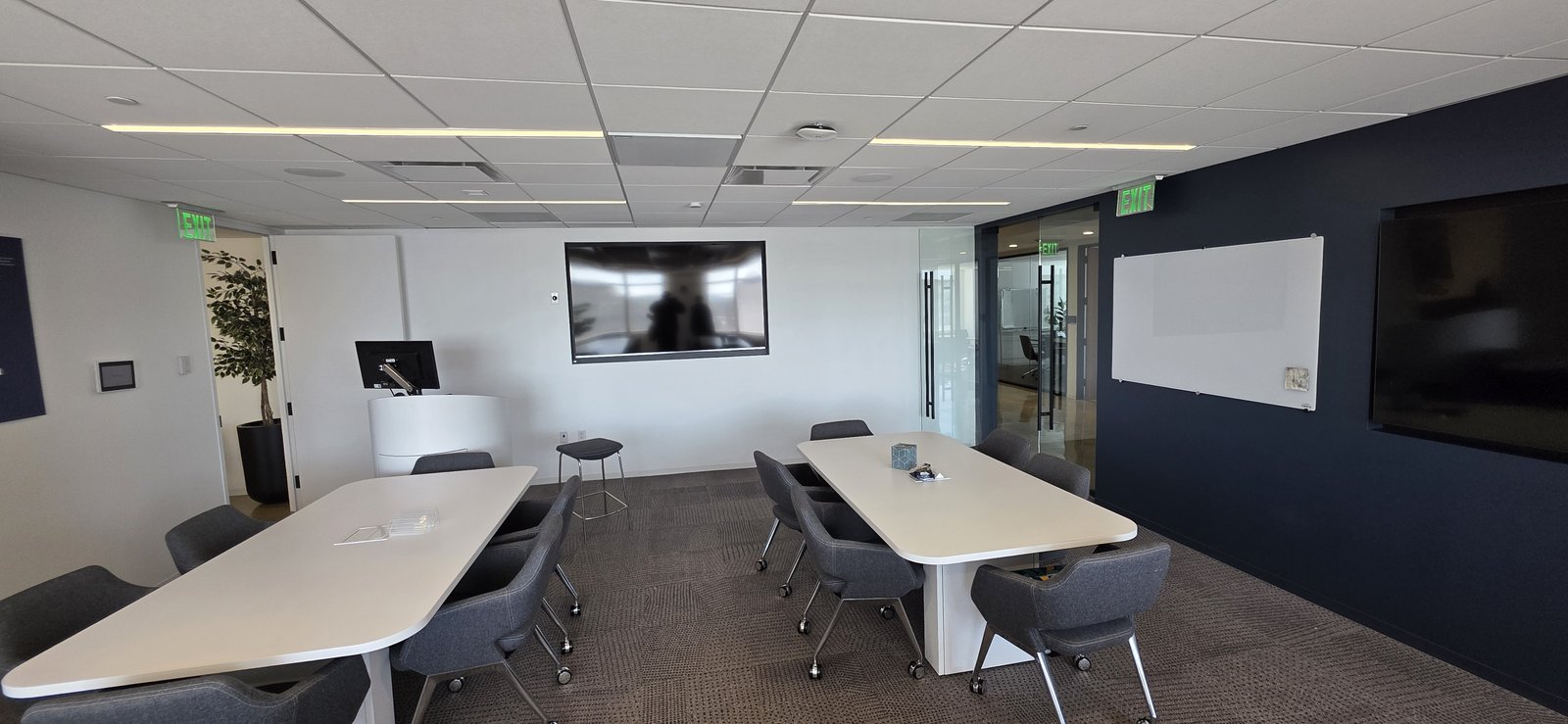
Training rooms and divisible suites have to cover a larger audience, reinforce speech, and follow a partition so each side can work alone or as one room. Fewer public guides publish a tight number here. Those that do often place these rooms from the mid five figures into six figures, especially when the space needs multiple display zones, wireless microphones, lecture capture, and room-combine logic.
What Drives the Cost of Conference Room AV Installation in DC
Room size is the starting point, not the whole story. Two rooms with the same headcount can land at very different prices once the equipment and the building are in the picture.
Displays and projection
Display cost rises with size, brightness, and duty cycle. A huddle room can often use a single mid-size commercial display. A boardroom may need dual screens, a larger panel, or an LED wall. Projection still has a place in deeper rooms and training spaces, but it adds mounts, a screen, and more infrastructure.
Cameras
A wide-angle camera that works at a four-person table will leave faces unreadable at the far end of a long board table. Auto-framing or speaker-tracking cameras, a second camera, or a PTZ system add cost, and they are usually what makes the room fair to people on the call.
Microphones and DSP
Audio is where many otherwise attractive rooms fail, especially in glass-walled downtown offices. A video bar’s microphones can be enough in a small huddle space. A longer table usually needs table or ceiling microphones, room speakers, and a DSP for echo cancellation, levels, and, in larger rooms, voice lift. Those components, and the time to tune them, are often a major share of a boardroom budget.
Control systems
Huddle rooms can often run on the conferencing system’s own touch console. Larger rooms, and any room that also controls lighting, shades, multiple sources, or a divisible partition, need a programmed control system.
Teams Rooms and Zoom Rooms licensing
A certified Microsoft Teams Room or Zoom Room also needs a per-room software license, and that license is ongoing. Public list prices in 2026 put Microsoft Teams Rooms Pro at $40 per room per month, billed annually. Teams Rooms Basic is available at no charge for up to 25 rooms, with a more limited management feature set. Zoom Rooms lists at $49 per room per month billed monthly, or $41.58 per room per month on an annual plan. These are vendor list prices, not installation quotes, and should be confirmed when you buy. Staff user licenses do not replace the room license.
Cabling and building infrastructure
Clean power, network, and AV pathways are easy to overlook in a hardware spreadsheet and expensive to add later. In Washington, published per-drop pricing for certified CAT6 and CAT6A runs often falls in the low-to-mid hundreds of dollars per drop. Downtown buildings can add cost for long riser runs, landlord or building-engineer rules, union labor, certificates of insurance, dock reservations, and after-hours work — which is why a national kit price can undershoot a DC install.
Labor, programming, and commissioning
Design, installation, control programming, DSP tuning, and testing are a substantial part of a professional install, not a small add-on. Public guides disagree on the exact share, so ask every bidder to separate equipment, labor, programming, cabling, and commissioning.
Ongoing support
Rooms need firmware updates, help when a call will not start, and a plan for wear and refresh. Whether you use a managed support agreement or on-call service, support is a recurring cost. Ask what response time, monitoring, and on-site coverage are included after go-live.
How to Use These Ranges When You Budget
Start with a room standard — huddle, medium conference, boardroom, and any training or divisible room. Apply a realistic industry range to each type, then add platform licensing and a contingency for infrastructure and building access. Refreshing an existing office usually takes more labor than a new build-out, because cable paths and ceilings are already closed.
When you compare proposals, ask what is included, what is assumed about the ceiling and the network, whether the room is certified for your platform, and who owns the control program after handover. A lower hardware number can disappear if the first change order covers pathways, after-hours labor, or a control system you cannot later modify.
If you want help turning a floor plan into a room-by-room budget, schedule a consultation with Innoface Systems. We will walk the space and give you a proposal you can review against the ranges above.
Frequently Asked Questions
How much does conference room AV installation cost in Washington, DC?
Typical published ranges are about $3,000 to $12,000 for a huddle room, $7,000 to $40,000 for a medium conference room, and $20,000 to $150,000 or more for a boardroom. Training and divisible rooms often start in the mid five figures and can reach six figures. These are industry ranges, not a quote.
What is usually included in those typical ranges?
Most published ranges cover installed hardware, in-room cabling, labor, programming, and commissioning. Furniture, millwork, electrical work, acoustic construction, platform licenses, and ongoing support are often extra. Ask for a line-item proposal that spells out each item.
Do Microsoft Teams Rooms and Zoom Rooms licenses cost extra?
Yes. The room needs a platform license in addition to the equipment. Public list prices in 2026 put Microsoft Teams Rooms Pro at $40 per room per month, billed annually, and Teams Rooms Basic at no charge for up to 25 rooms. Zoom Rooms lists at $49 per room per month billed monthly, or $41.58 on an annual plan. Confirm current vendor pricing when you budget.
Why do some DC conference room projects cost more than a national average?
Downtown buildings often add coordination a suburban install does not: landlord-controlled risers, building-engineer or union rules, after-hours work, dock reservations, and longer cable runs. Glass-walled rooms can also need more capable microphones and DSP.
Does every conference room need a full control system?
No. Many huddle rooms work well with the conferencing system’s own controller. A programmed control system becomes important when the room has multiple displays or sources, lighting or shade control, or a partition that changes how the space is used.