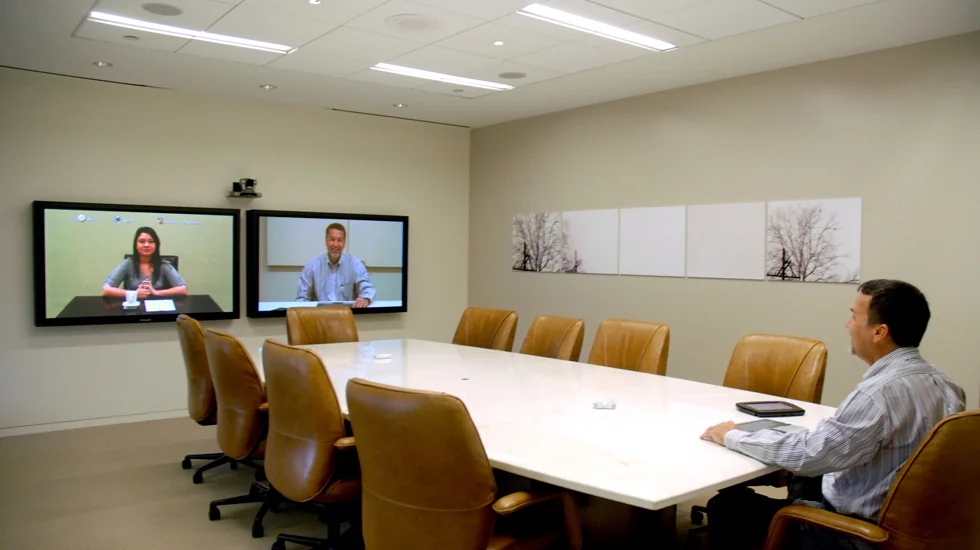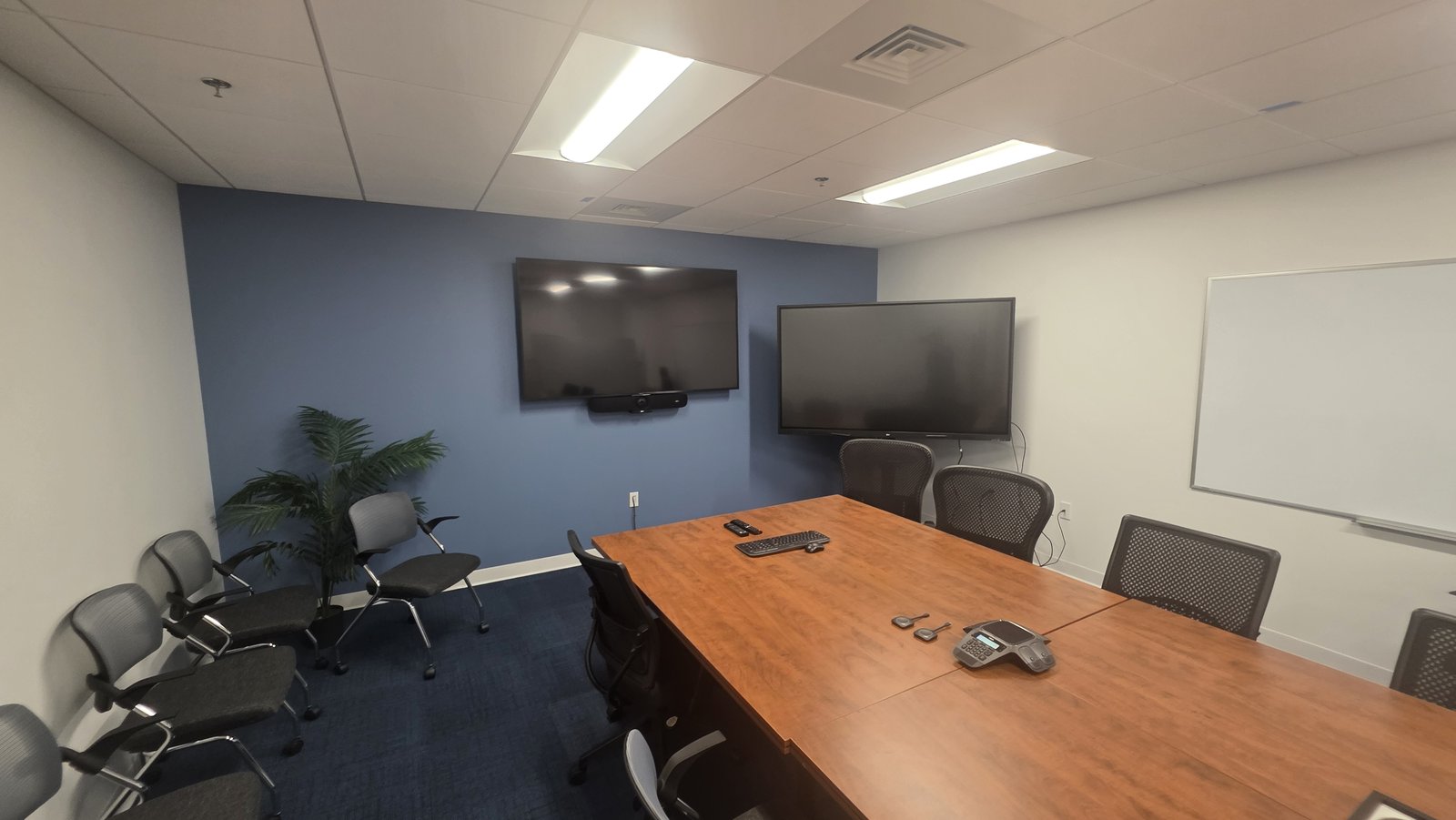
If you manage a hotel, a meeting room can look finished when the chairs are set. The question is whether the audio visual system still cuts the mustard when a planner asks if the ballroom can host a hybrid session, or when a guest walks in ten minutes before a Microsoft Teams call.
Business travelers, owners, asset managers, and directors of sales and events now expect a meeting room, boardroom, or ballroom to host or join Microsoft Teams, Zoom, or Webex without a scramble for adapters. Many hotels still cannot do that reliably. The gap shows up in frustrated guests, last-minute outside-AV invoices, and group business that goes to a property that can.
Innoface Systems is a commercial audiovisual integrator established in 2005, headquartered at 1250 Connecticut Ave NW, Suite 700, Washington, DC 20036, with offices in Annapolis, Atlanta, Houston, and Tampa. Our conference room audio visual work covers the same building blocks hotels need in meeting space, and you can schedule a consultation when you want a site survey.
Video Conferencing in Hotel Meeting Rooms, Boardrooms, and Ballrooms
A corporate booker is no longer asking only about square footage and breaks. They want to know whether a remote executive can join a board meeting, whether a general session can reach people who could not travel, and whether the room will look professional on camera. The platforms they name are usually Microsoft Teams, Zoom, or Webex. “You can plug in your laptop” is not the same as a room that is ready.
Hybrid capability is also a sales issue. Groups and conferences often include people who will not be in the building. Event-planning checklists now treat cameras, room microphones, a preferred platform, and a dedicated meeting network as part of the venue decision. A property that can run those sessions cleanly is easier to book.
Walk into many hotel meeting rooms and you will still find a projector or a display, an HDMI cable, and a wireless microphone. The guest supplies the laptop, the camera, and the conferencing account. Remote attendees hear the room through that laptop microphone, see a wide shot of a ceiling, and miss questions from the back of the table. In divisible ballrooms, the air wall may be closed while audio and video still behave as one room, or fail on one side. That can get a simple meeting through the morning. It is not enough for a hybrid board meeting or a general session that has to be fair to people on the call.
A ready room is designed around the call, not only around the screen. Certified Microsoft Teams Rooms and Zoom Rooms give staff and regular users one-touch joining on a known platform, with the room’s camera, microphones, speakers, and display already tied together. That is a strong fit when the hotel’s own team, or a frequent client, lives on one platform.
Many guests will arrive with a different app. A bring-your-own-meeting room solves that: the guest plugs in with USB-C, with a wired HDMI fallback, and the room camera and microphones appear on the laptop. The meeting then runs in Teams, Zoom, Webex, or whatever they use. Wireless presentation should be available too, so a laptop or tablet can share without hunting for the right input.
Behind that is a camera that can frame a presenter or a table, often a PTZ camera in larger rooms; ceiling or table microphones; and a DSP so remote attendees hear the room rather than a laptop mic. A programmed touch panel, or a clearly labeled one-cable connection, keeps the front desk from becoming the AV help line.
Hotel ballrooms earn their keep by changing shape. When a partition closes, each side should have its own display, audio, and, if needed, its own conference call. When the room opens, the system should combine so one presentation, one microphone mix, and one hybrid feed serve the full space.
Larger events may also need to send a general session to remote attendees. That is more than a webcam on the lectern: it usually means a dedicated camera shot, a clean audio mix, enough upload bandwidth, and someone who can start and monitor the stream. Some of that will live in the house system; some will still be an outside production team working with it. The property is in a stronger position when the cameras, audio, and network paths are already in place.
Hybrid meetings fail on congested guest Wi-Fi as often as they fail on the wrong cable. Meeting rooms should have a dedicated network path — ideally a wired drop, and at least a reserved wireless network — with enough upload for video calls, separate from guest and operations networks. Staff also need a short room check and a way to get help before the meeting starts.
Guest Rooms, Dining, and Outdoor Spaces
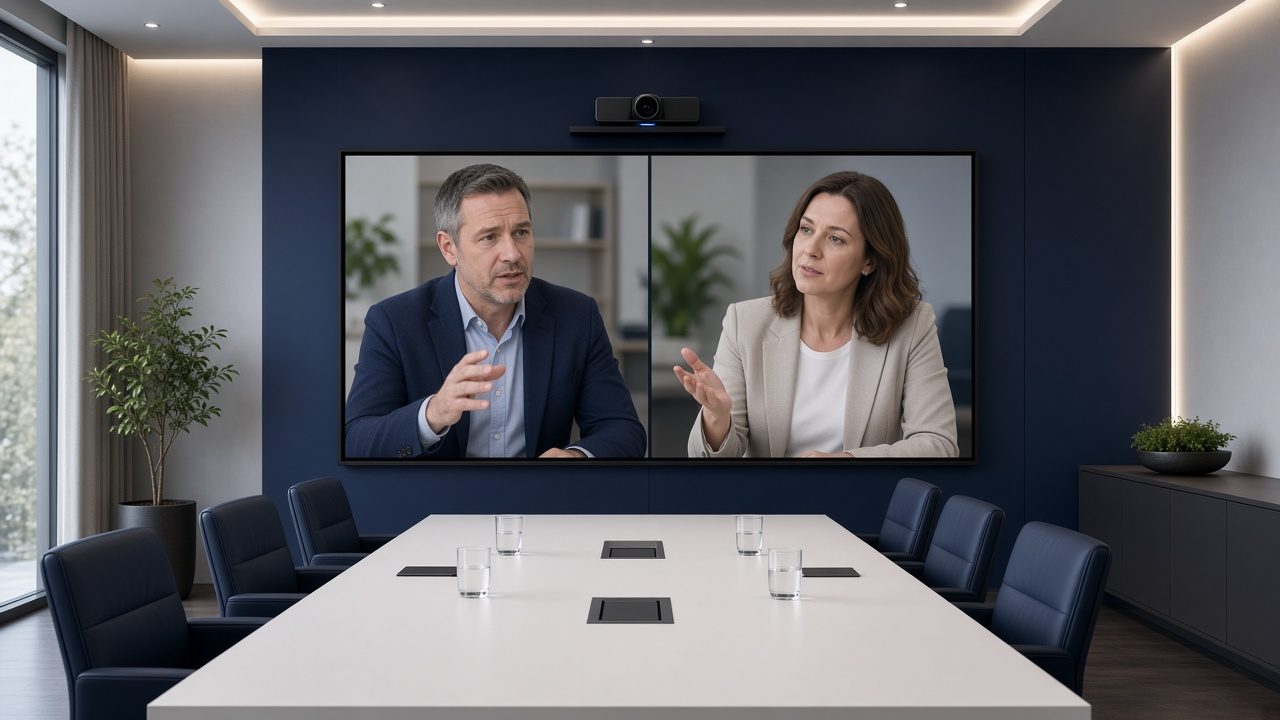
Meeting space is the most urgent test, but the rest of the property still has to hold up. In the guest room, many travelers still expect to watch their own content on the television, and a hidden HDMI port is a poor substitute for a simple hospitality casting or smart-TV setup that clears sessions at checkout.
In the lobby, restaurant, and bar, a zoned, licensed music system, digital signage that staff can update, and, where it fits, a video wall for welcome, wayfinding, or event content do more for the first impression than a stack of consumer televisions. Music in public areas generally requires the appropriate performing-rights licenses; a consumer streaming account is not a substitute. Pool decks and patios need weather-rated speakers, coverage that does not spill into guest rooms, and control staff can use without a ladder.
A Simple Self-Audit for Hotel AV
Before you budget a refresh, walk the property with this list. A “no” is a place to start.
| Area | Ask this |
|---|---|
| Meeting rooms | Can a guest join Teams, Zoom, or Webex with the room camera and microphones? |
| Boardrooms | Is there a one-cable or wireless way to share, plus a wired fallback? |
| Ballrooms | When the air wall closes, can each side run independently, including a video call? |
| Hybrid events | Can you send a general session to remote attendees with a dedicated camera and clean audio? |
| Network | Do meeting rooms have a dedicated path and enough upload, apart from guest Wi-Fi? |
| Guest rooms | Can a guest use the TV without hunting for HDMI, and do sessions clear at checkout? |
| Public spaces | Is background music licensed, zoned, and easy for staff to control? |
| Support | Who tests the room before a group arrives, and how quickly can they get help? |
How an Integrator Can Help
You do not have to rip out every room at once. A good commercial integrator starts with a site survey of how each space is sold, how the partitions work, what is already in the racks, and what the network can carry, then phases the work: high-revenue boardrooms and the main ballroom first, then breakouts and public spaces.
The work should include programming, commissioning, and training for the people who sell and run the rooms, plus a support path after handover.
If you want help judging whether your hotel AV still cuts the mustard, schedule a consultation. We will walk the property and tell you what to fix first.
Book a Free Hotel AV Walkthrough
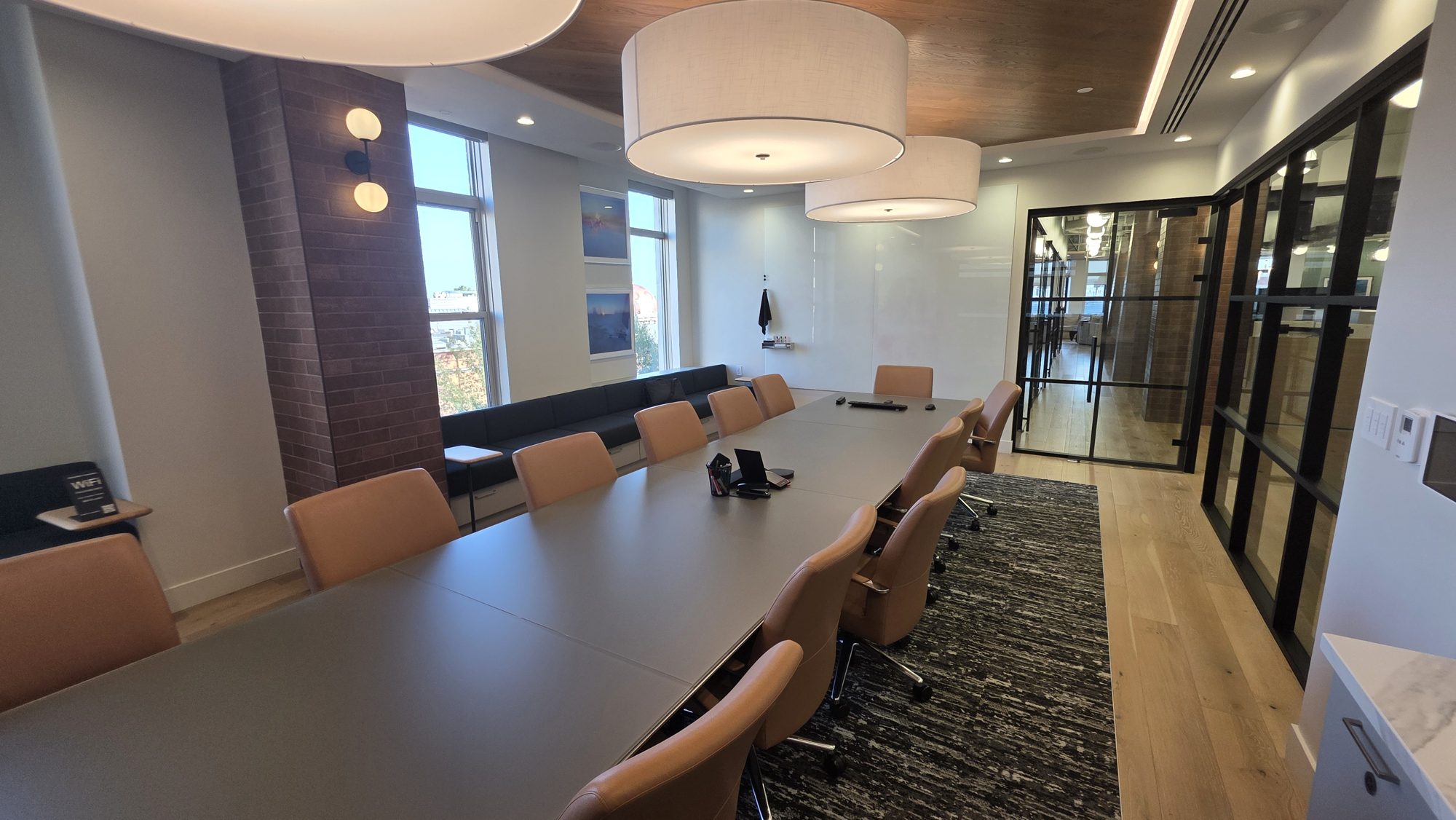
Frequently Asked Questions
Do hotel meeting rooms need a Microsoft Teams Room or a Zoom Room?
Not always. Certified rooms are a strong fit when staff or a regular client live on one platform and want one-touch joining. Many hotel rooms are better served by a bring-your-own-meeting setup, so a guest can use the room camera and microphones with Teams, Zoom, Webex, or another platform from their own laptop.
Can one room work with Teams, Zoom, and Webex?
Yes. A bring-your-own-meeting room, usually with USB-C and a wired HDMI fallback, lets the guest host the call on their laptop while the room provides the camera, microphones, speakers, and display.
Why do remote attendees often sound worse than the people in the room?
The call is often running through a laptop microphone and a consumer webcam. Ceiling or table microphones, a DSP, and a properly aimed camera give remote attendees a fair view and a clean mix of the room.
What else does a hotel need for hybrid events besides cameras and displays?
A dedicated network path with enough upload, room-combine logic in divisible ballrooms, a way to send a general session to remote attendees, simple control, and staff who can test the room before the group arrives. Guest Wi-Fi alone is usually not enough.
How should a hotel start upgrading AV without taking every room offline?
Start with a site survey, then phase the work. Many properties begin with the boardrooms and ballrooms that book the most group business, then move to breakouts and public spaces.